Purple Fox
Spryt
Pixel Art Editor & Animation Studio.
Features
Powerful Drawing Tools
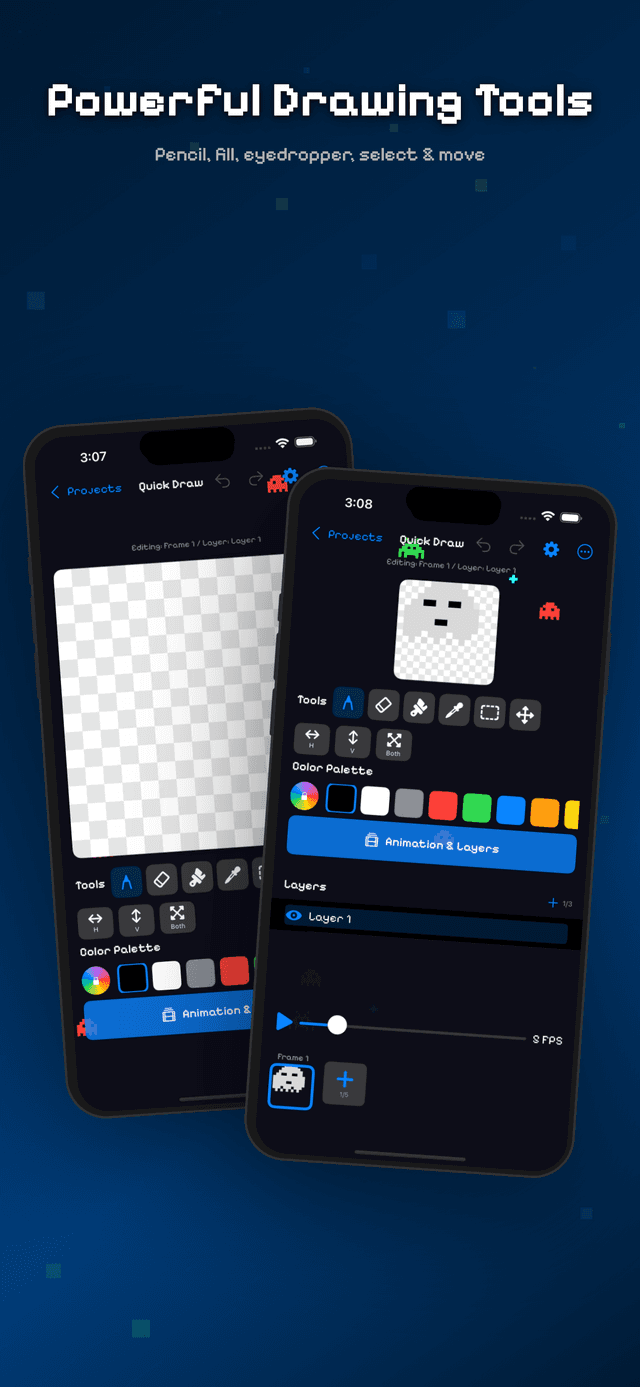
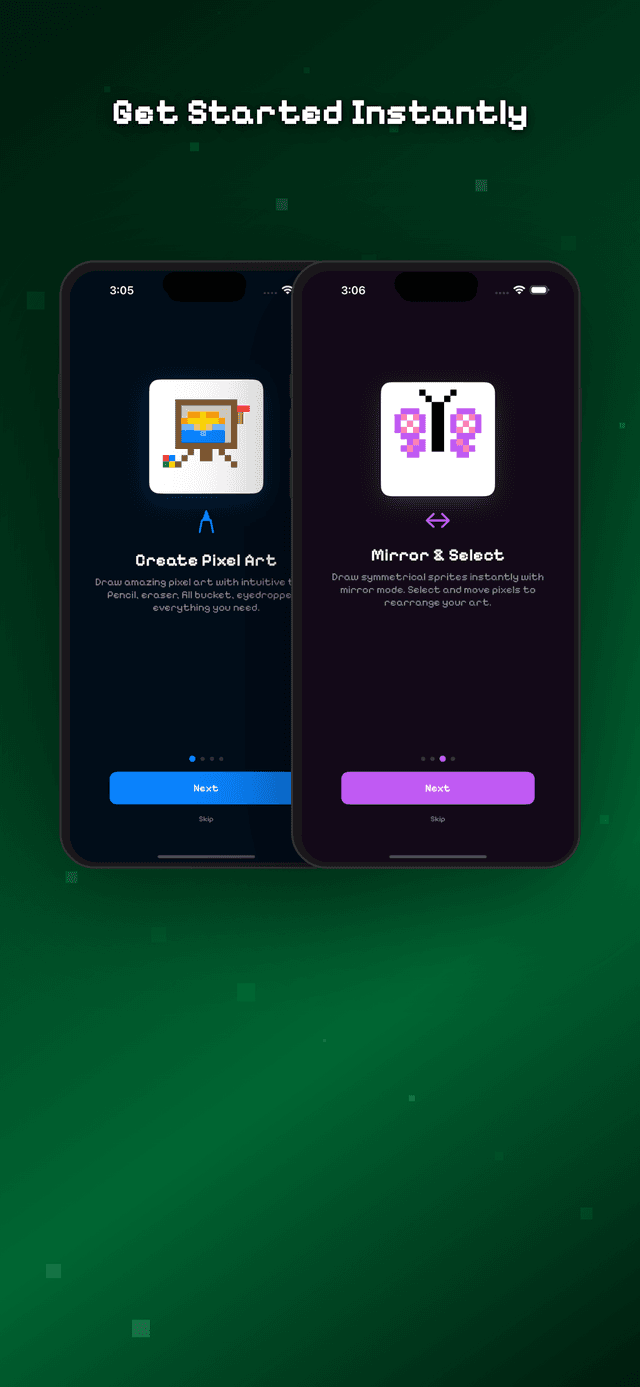
Draw with the pencil tool, erase mistakes, fill regions with the bucket tool, sample colors with the eyedropper, and select and move groups of pixels. Every action supports undo and redo.
Mirror Mode
Create perfectly symmetrical sprites in half the time. Toggle horizontal, vertical, or both-axis mirror drawing and watch your strokes appear on both sides simultaneously.
Frame-by-Frame Animation
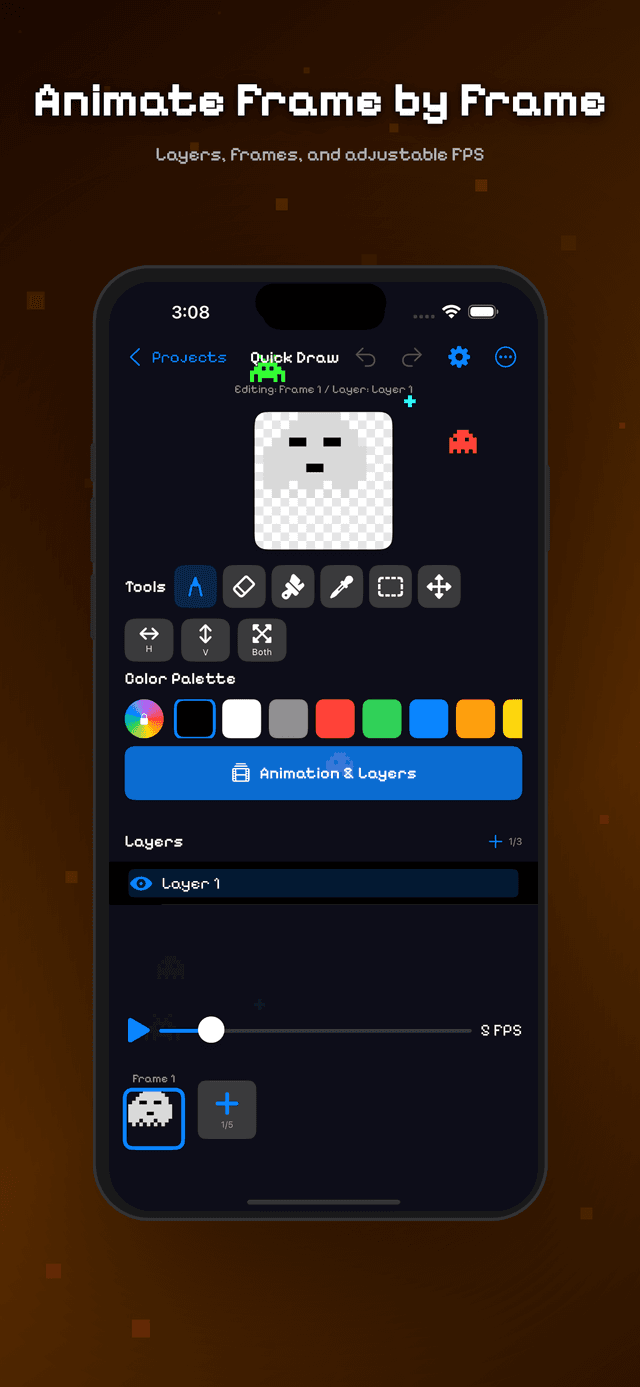
Add multiple frames, adjust FPS from 1 to 30, and preview animations in real time. Each frame supports multiple layers with independent visibility controls.
Layers
Organize your artwork with multiple layers per frame. Toggle visibility, reorder by dragging, and rename them. Each layer composites with transparency.
Multiple Canvas Sizes
Work on 8x8, 16x16, 32x32, or 64x64 canvases. Start small for icons and emoji-style art, or go large for detailed sprites and full scene compositions.
Built-in Templates
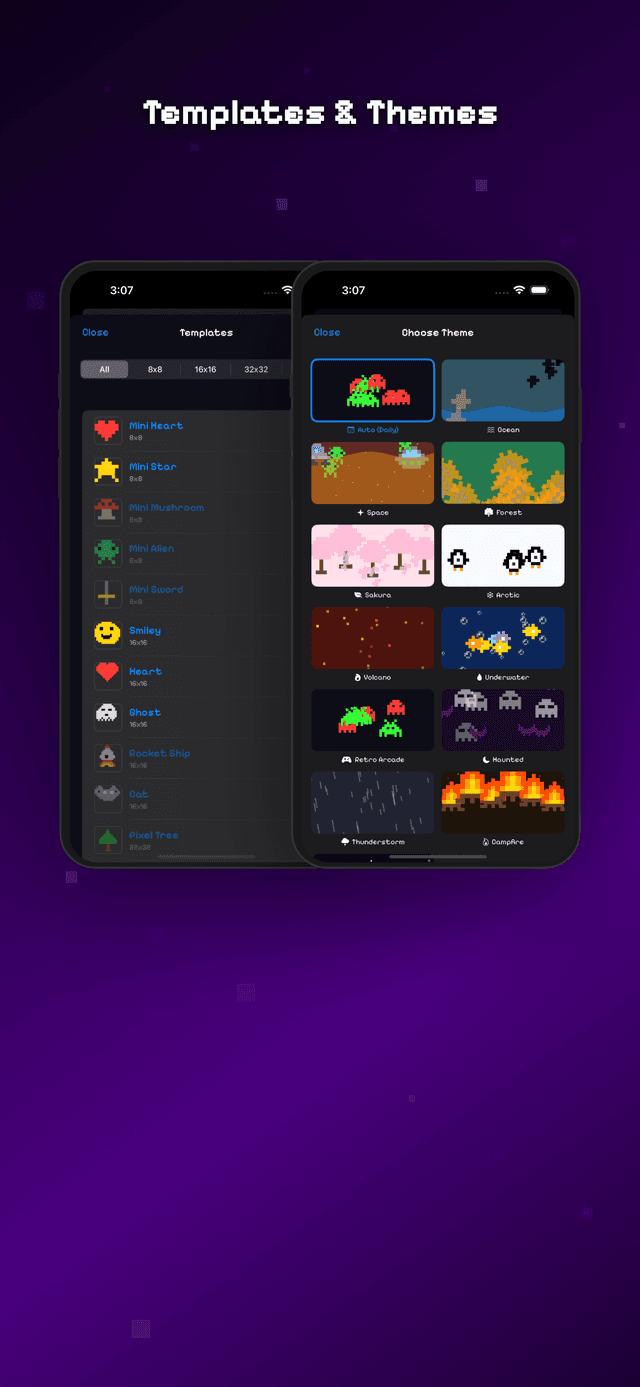
Choose from dozens of templates across all four canvas sizes — hearts, stars, swords, mushrooms, aliens, castles, robots, landscapes — and customize them.
Flexible Export
Export frames as high-resolution PNG with pixel-perfect upscaling, animated GIFs that loop forever, or horizontal sprite sheets ready for game engines.
12 Animated Background Themes
Choose from Ocean, Space, Forest, Sakura, Arctic, Volcano, Underwater, Retro Arcade, Haunted, Thunderstorm, Campfire, and Galaxy — all hand-crafted pixel art animations.
Procedural 8-Bit Music & SFX
Every sound is generated from pure square, pulse, and triangle waveforms. Enjoy an upbeat chiptune menu theme and a calm editor melody, with synthesized 8-bit sound effects.
Designed for iPhone & iPad
Tools sit below the canvas in portrait, slide into a sidebar in landscape. On iPad, everything scales up with wider layouts and more room to create.
Screenshots